The Docker 'Hardened Images' Myth: Why Your Default Images Aren't Production-Ready
Do you believe your default Docker images are secure enough for production? Practical commands, expected outputs and a checklist inside. Learn how.
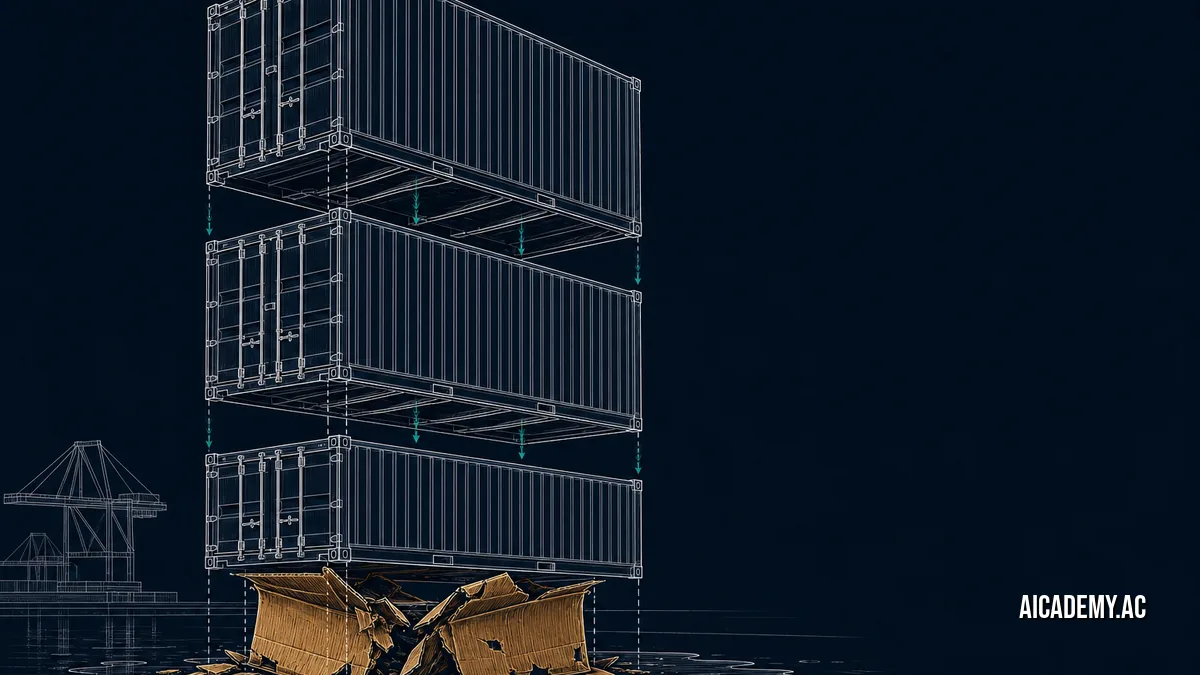
Myth: Docker’s official language images are production-ready out of the box. Run docker pull node:20 and you download a full Debian userland, including compilers, package managers, and shell utilities. If an attacker breaches your container process, they inherit a complete toolkit for lateral movement. This myth is only true if you are strictly deploying to local development machines, not public-facing infrastructure.
TL;DR: Running default Docker base images exposes you to hundreds of latent vulnerabilities and violates CISA 2026 mandates. Docker’s new Hardened Images initiative fundamentally changes this by shipping distroless-like, non-root environments out of the box. This post shows you how to audit your current images with
docker scanand transition to the new hardened tier in Docker 4.84.0.
What you’ll walk away with:
- Map exactly what OS utilities default images inject into your attack surface.
- Run a definitive
docker inspectaudit to detect running-as-root misconfigurations. - Migrate a standard Dockerfile to a Docker Hardened Image base.
- Validate your application’s compliance with upcoming supply chain mandates.
Why Are Default Docker Images Insecure for Production?
Default Docker images prioritize developer experience over security by bundling complete operating system toolchains, making it trivial to compile code or debug in the container. This bloat introduces dormant CVEs and violates the principle of least privilege required for production workloads. You cannot secure a runtime environment that contains software you do not actively use.
To illustrate this, pull a standard application image for our hypothetical fintech platform, Aicademy. If you build an Aicademy API on python:3.12, you introduce over 800 OS-level packages. The actual application logic requires fewer than 20 dependencies.
This massive attack surface is exactly Why Your SBOMs Probably Don’t Meet CISA’s 2026 Requirements (And How to Fix It). Regulators demand accountability for every binary inside your perimeter. Tracking and patching vulnerabilities for compilers you don’t even need drains engineering resources.
Default to explicit dependency definitions in a multi-stage build unless you are actively debugging a local container.
What Are Docker Hardened Images?
Docker Hardened Images are officially curated, minimal base images introduced to replace standard OS layers, intentionally omitting shell interpreters and package managers while enforcing non-root user execution. They eliminate entire categories of vulnerability scanning noise and lateral movement risks. By removing bash and apt, these images force teams to build immutable, production-safe artifacts.
With Docker 4.84.0, the container runtime fully integrates these hardened tiers into its native security ecosystem. This aligns with the push for sandboxed, high-isolation deployments. The structural difference is stark:
flowchart LR
  subgraph Standard ["Standard Image"]
    A["App Binary"]
    B["Package Manager (apt/apk)"]
    C["Shell (bash/sh)"]
    D["Root Permissions (UID 0)"]
  end

  subgraph Hardened ["Hardened Image"]
    E["App Binary"]
    F["Non-Root User (UID 10001)"]
  end

  Standard -->|"high risk"| G["Attack Surface"]
  Hardened -->|"minimal risk"| H["Attack Surface"]
Standard images assume the developer knows how to strip privileges before deployment. Hardened images assume the environment is hostile by default.
Adopt Docker Hardened Images for all new microservices, starting with externally facing APIs.
How Do You Audit an Image for Hardening Gaps?
You audit an image by extracting its user configuration, exposed ports, and entrypoint overrides using the docker inspect command to check for privileged execution contexts. Any image running as UID 0 (root) or containing a package manager binary fails a hardening audit. You can verify this locally before pushing to a registry.
First, scan the image for vulnerabilities using the native scanning engine. Requires docker >= 4.84.0.
1

docker scan my-aicademy-api:latest --severity high
1
2
3
4

Testing my-aicademy-api:latest...
✗ High severity vulnerability found in bash
  Description: Out-of-bounds Read
  Info: https://scout.docker.com/v/CVE-2024-XXXX
Next, inspect the image to see if it defaults to root. We extract the User field directly.
1

docker inspect -f '' my-aicademy-api:latest
1

""
An empty string output means the container falls back to the default UID 0 (root). To see a full view of the exposed attack surface, dump the entire container configuration.
View verbose docker inspect output
1
2
3
4
5
6
7
8
9
10
11
12
13
14
15
16
17
18
19
20

[
  {
    "Id": "sha256:abcd1234efgh5678",
    "Config": {
      "User": "",
      "ExposedPorts": {
        "8080/tcp": {}
      },
      "Env": [
        "PATH=/usr/local/sbin:/usr/local/bin:/usr/sbin:/usr/bin:/sbin:/bin"
      ],
      "Cmd": [
        "node",
        "server.js"
      ]
    },
    "Architecture": "amd64",
    "Os": "linux"
  }
]
To migrate the Aicademy API to a hardened posture, swap the base image and explicitly drop privileges. The hardened base images handle the non-root configuration for you.
1
2
3
4
5
6
7
8
9

- FROM node:20
+ FROM node:20-hardened
  WORKDIR /app
  COPY package*.json ./
  RUN npm ci --only=production
  COPY . .
- USER root
+ USER appuser
  CMD ["node", "server.js"]
Always combine a hardened base image with a read-only root filesystem (
--read-only) for maximum isolation.
How Does Base Image Selection Impact Supply Chain Mandates?
Your base image directly dictates the size and complexity of your Software Bill of Materials (SBOM), which determines how many third-party vulnerabilities you must legally triage. Migrating to hardened variants reduces your dependency graph by up to 90%, turning compliance from a manual slog into an automated checkpoint. A smaller base image directly translates to fewer false positives.
When you implement these changes, you can definitively Automate Your SBOM Generation: Painful Old Ways vs. CISA 2026’s New Mandates. The smaller your dependencies, the easier they are to cryptographically sign and verify. You can enforce this entire process using The cosign verify Command You’re Not Running (That Saves Your Supply Chain).
Consider how different base configurations impact your security baseline.
| Image Type | Shell Access? | Package Manager? | Default User | Winner / Best For |
|---|---|---|---|---|
Standard (node:20) |
Yes (bash) |
Yes (apt) |
root (0) |
Local Development Only |
Alpine (node:20-alpine) |
Yes (ash) |
Yes (apk) |
root (0) |
Legacy Minimal Apps |
Hardened (node:20-hardened) |
No | No |
appuser (10001) |
Winner: Production APIs |
Scratch (scratch) |
No | No | None | Winner: Static Go/Rust Binaries |
Use
scratchfor statically compiled languages like Go, and Hardened Images for interpreted languages like Node or Python.
Bottom Line
Stop deploying developer-friendly base images to hostile production environments. Standard images mask massive attack surfaces behind convenient tags. Audit your existing fleets today, swap your Dockerfiles to utilize Docker’s Hardened Images, and permanently close off the most common lateral movement pathways in your cluster.
FAQ
How do you fix a Docker container running as root?
Explicitly set the USER directive in your Dockerfile to a non-root UID (e.g., USER 10001). Ensure your application files and directories are owned by this user before dropping privileges.
What is the difference between Docker hardened images and scratch?
The scratch image is completely empty and requires you to provide all system libraries, making it ideal for statically linked binaries. Hardened images provide minimal runtime dependencies (like libc or TLS certificates) needed for interpreted languages, without the bloat of a shell or package manager.
How do I run docker scan on a local image?
Run docker scan <image-name>:<tag> directly from your CLI. For detailed reporting on critical vulnerabilities, append the --severity high,critical flag.
Why does my container need a non-root user?
If a vulnerability allows an attacker to execute code inside your container, running as root gives them the permissions needed to modify system files, install malware, or attempt container escapes. A non-root user inherently restricts the blast radius of a compromise.
How do you verify an image signature in Docker?
Use Sigstore’s cosign tool by running cosign verify --key <public-key.pub> <image-uri>. This ensures the image you pull matches the exact binary your CI/CD pipeline built and signed.
This post is part of the ‘docker-ai-native’ series; next up, we’ll configure strict sandbox isolations for these hardened payloads.
Part of the series: docker-ai-native
- How Gordon Docker Desktop's AI Agent Streamlines Your Container Development Workflow
- The One Docker Desktop Command That Runs Any Local AI Model
- The Docker 'Hardened Images' Myth: Why Your Default Images Aren't Production-Ready (you are here)
Further Reading
- https://collabnix.com/whats-new-in-docker-in-2026-sandboxes-hardened-images-and-the-ai-native-container-platform/
- https://docs.docker.com/security/
- https://docs.docker.com/engine/scan/
🚀 Ready to get hands-on? Spin up an interactive AI or Kubernetes Sandbox at Aicademy Labs for free.