Automate Your SBOM Generation: Painful Old Ways vs. CISA 2026's New Mandates
Automate SBOM generation and comply with CISA's 2026 mandates. Still running a script to `pip freeze` or `npm list` and calling it an SBOM?
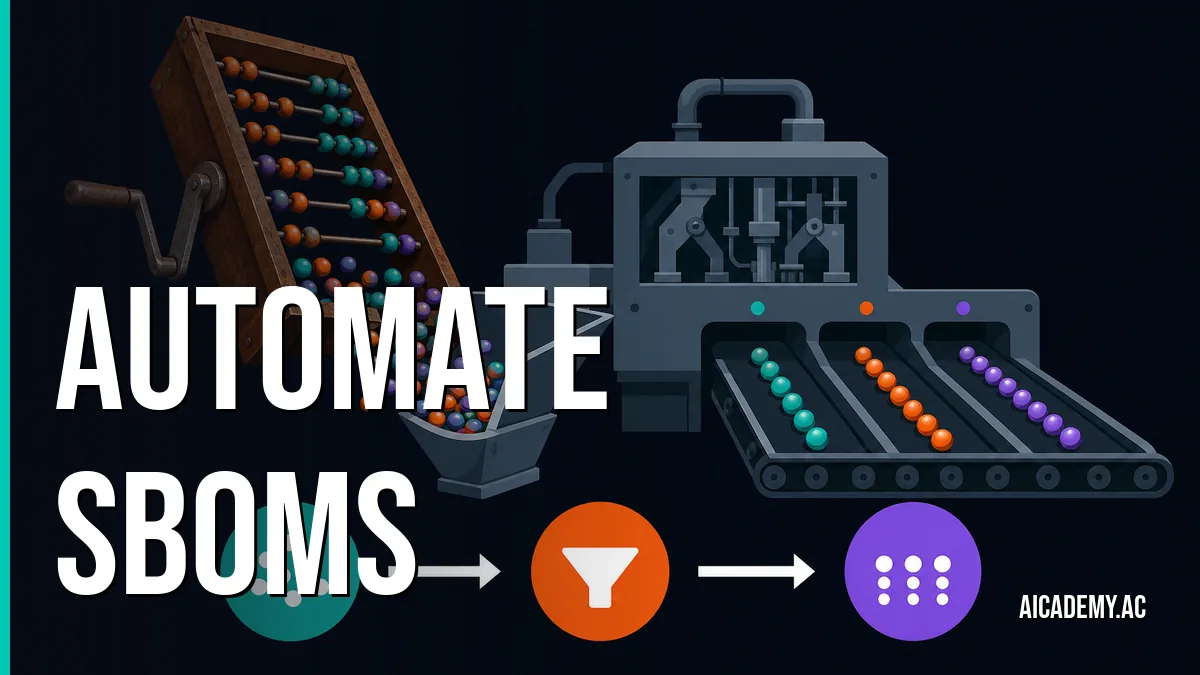
Still running a script to pip freeze or npm list and calling it an SBOM? That’s not just technical debt; it’s a compliance failure in the making. The era of ad-hoc dependency lists is over, and the time to automate is now.
TL;DR: Manual SBOM generation is unreliable and won’t meet 2026 federal compliance mandates. Modern supply chain security requires automated, CI-native tools that produce machine-readable formats. This post contrasts the old, broken way with a modern pipeline using Syft to generate compliant SBOMs from container images automatically.
What you’ll walk away with:
- A CI/CD pipeline snippet to generate SBOMs on every build.
- The exact
syftcommand to produce a CISA-compliant SPDX JSON report. - A clear understanding of why manual methods fail audits.
- A checklist for evaluating the quality of your generated SBOMs.
Why is manually creating an SBOM a bad idea?
Manually creating a Software Bill of Materials (SBOM) is a bad idea because it’s error-prone, incomplete, and impossible to scale. An SBOM is a formal, machine-readable inventory of software components and dependencies in a codebase. Manual processes inevitably miss transitive dependencies, lack precise component versions, and cannot be reliably reproduced, making them useless for security audits and non-compliant with emerging standards.
The old way was a painful exercise in wishful thinking. You’d see shell scripts that looked something like this, often run by a developer right before a release.
The Painful “Before”: Manual SBOM Scripting
This approach is fundamentally broken:
- Incomplete: It misses dependencies installed by the base image, static binaries, and dependencies of dependencies (transitive dependencies).
-
Inaccurate:
pip freezeshows what’s in the environment, not necessarily what’s required by the app, and it lacks hashes and license info. - Unverifiable: There’s no way to prove this text file corresponds to the actual build artifact. It’s a detached piece of evidence that auditors will reject.
As I covered in my previous post, Why Your SBOMs Probably Don’t Meet CISA’s 2026 Requirements (And How to Fix It), regulators require far more detail than these scripts can provide.
Stop treating SBOMs as a documentation task. Treat them as a build artifact, generated by the same automated process that builds your software.
How do you automate SBOM generation in CI/CD?
You automate SBOM generation by integrating a dedicated scanning tool like Syft directly into your CI/CD pipeline, immediately after your container image is built. This ensures the SBOM is a faithful representation of the final build artifact, generated programmatically without manual intervention. It becomes just another step in your build-test-release cycle.
Here’s how that looks in practice. The “after” is a simple, declarative step in a GitHub Actions workflow.
1
2
3
4
5
6
7
8
9
10
11
12
13
14
15
16
17
18
19
20
21
22
23
24
25
26
27
28
29
30
31
32

# .github/workflows/build-and-scan.yml
name: Build, Scan, and Generate SBOM

on:
  push:
    branches: [ "main" ]

jobs:
  build-and-scan:
    runs-on: ubuntu-latest
    steps:
      - name: Check out the repo
        uses: actions/checkout@v4

      - name: Build the Docker image
        id: build
        run: |
          docker build . --tag my-app:latest
          echo "image_digest=$(docker inspect --format='' my-app:latest)" >> $GITHUB_OUTPUT

      - name: Generate SBOM with Syft
        uses: anchore/syft-action@v0
        with:
          image: "my-app:latest"
          format: "spdx-json"
          output: "sbom.spdx.json"

      - name: Upload SBOM as build artifact
        uses: actions/upload-artifact@v4
        with:
          name: sbom
          path: sbom.spdx.json
This short YAML file accomplishes what the fragile shell script never could. It ties the SBOM generation directly to the build artifact, uses a purpose-built tool, and archives the result. This is the foundation of a modern, DevSecOps 2.0: Integrating AI into Your Security Pipeline by creating the auditable data that later stages rely on.
This workflow can be visualized as a simple, linear process.
flowchart LR
    A[Push to main] --> B{CI/CD Trigger};
    B --> C[Build Docker Image];
    C --> D["Scan with Syft"];
    D --> E["Generate sbom.spdx.json"];
    E --> F[Upload Artifact];
Integrate SBOM generation as a non-optional step immediately following your artifact build. If the build succeeds, the SBOM must be created.
What SBOM format should you use for compliance?
You should use SPDX (Software Package Data Exchange) in its JSON representation for compliance. While CycloneDX is also a valid and capable format, SPDX is explicitly referenced in US federal government guidance (NIST SSDF, EO 14028) and has the broadest ecosystem support. Syft v0.100.0 can generate it with a simple flag.
The default syft output is a custom format. You must explicitly tell it what you need.
1
2

# Command to generate an SPDX JSON SBOM for a container image
syft packages my-app:latest -o spdx-json > sbom.spdx.json
Here’s a breakdown of the most common options and my recommendation.
| Format | Syft -o flag |
Best For | Winner? |
|---|---|---|---|
| Syft JSON |
json (default) |
Internal Syft/Grype workflows, debugging. | |
| SPDX JSON | spdx-json |
Compliance, interoperability, federal contracts. | ✅ |
| CycloneDX JSON | cyclonedx-json |
OWASP-centric tooling, some security platforms. | |
| SPDX Tag-Value | spdx-tag-value |
Human readability (legacy). Avoid for automation. |
Let’s look at the difference. The default format is good, but the SPDX output is what your compliance team and security tools are expecting.
Click to see a diff between default Syft JSON and SPDX JSON output
1
2
3
4
5
6
7
8
9
10
11
12
13
14
15
16
17
18
19
20
21
22
23
24
25
26
27
28
29
30
31
32
33
34
35
36
37
38
39
40
41
42
43
44
45
46
47
48
49
50
51
52
53
54
55
56
57
58
59
60

--- a/syft-default.json
+++ b/spdx.json
@@ -1,37 +1,46 @@
 {
- "artifacts": [
+ "SPDXID": "SPDXRef-DOCUMENT",
+ "spdxVersion": "SPDX-2.3",
+ "creationInfo": {
+  "created": "2024-03-20T18:00:00Z",
+  "creators": [
+   "Tool: syft-0.100.0"
+  ]
+ },
+ "name": "my-app",
+ "dataLicense": "CC0-1.0",
+ "packages": [
   {
-   "id": "...",
-   "name": "alpine-baselayout",
-   "version": "3.4.3-r1",
-   "type": "apk",
-   "foundBy": "apk-db-cataloger",
-   "locations": [ ... ],
-   "licenses": [ "GPL-2.0-only" ],
-   "language": "",
-   "cpes": [ ... ],
-   "purl": "pkg:apk/alpine/[email protected]?arch=x86_64&distro=alpine-3.18.2",
-   "metadataType": "ApkMetadata",
-   "metadata": { ... }
+   "SPDXID": "SPDXRef-Package-apk-alpine-baselayout-...",
+   "name": "alpine-baselayout",
+   "versionInfo": "3.4.3-r1",
+   "filesAnalyzed": false,
+   "licenseConcluded": "GPL-2.0-only",
+   "externalRefs": [
+    {
+     "referenceCategory": "PACKAGE-MANAGER",
+     "referenceType": "purl",
+     "referenceLocator": "pkg:apk/alpine/[email protected]?arch=x86_64&distro=alpine-3.18.2"
+    }
+   ],
+   "originator": "Person: unknown"
   }
  ]
- ],
- "source": {
-  "type": "image",
-  "target": { ... }
- },
- "distro": { ... },
- "descriptor": {
-  "name": "syft",
-  "version": "0.100.0",
-  "configuration": { ... }
- },
- "schema": {
-  "version": "12.0.0",
-  "url": "https://raw.githubusercontent.com/anchore/syft/main/schema/json/schema-12.0.0.json"
- }
 }
The SPDX version is structured for broad interoperability. It contains the specific fields that downstream tools use to link components to vulnerability databases and license policy engines. This structure is essential for building the kind of AI-driven supply chain security for DevSecOps in 2026 that can proactively identify risk.
Default to
spdx-jsonas your output format unless a specific tool in your chain explicitly requires CycloneDX.
How do you ensure your SBOM is high quality?
A high-quality SBOM is comprehensive, accurate, and generated automatically. It must include all dependencies (including transitive), provide cryptographic hashes for each component, list correct licenses, and be tied directly to a specific build artifact. Use this checklist to score your SBOM generation process.
- Automated: Is the SBOM generated as a required step in your CI/CD pipeline?
- Comprehensive: Does it include OS packages, application-level dependencies, and static binaries?
- Accurate: Are component versions, names, and licenses correct?
- Verifiable: Does it include package URLs (PURLs) and cryptographic hashes (e.g., SHA256) for components?
- Formatted: Is it in a standard machine-readable format like SPDX or CycloneDX?
Syft handles most of this automatically. The critical piece you own is the automation. By embedding it in CI, you ensure the SBOM always reflects the reality of your production artifacts.
A high-quality SBOM isn’t a document, it’s a dataset. Your goal is to produce clean, structured data for other security tools to consume.
Bottom Line
Stop creating SBOMs manually. The process is fragile, the output is incomplete, and it will not pass a serious audit. Integrating a tool like Syft into your CI pipeline is no longer optional; it’s the baseline for modern software delivery and the only realistic way to meet 2026 compliance mandates.
Now that you’re generating a high-quality SBOM on every build, the next challenge is using it. Our next post will cover how to use Grype and VEX to filter vulnerability noise and focus only on what actually affects you.
FAQ
What is the difference between Syft and Grype?
Syft generates the list of software components (the SBOM). Grype takes that list (or scans an image directly) and finds known vulnerabilities (CVEs) for those components. They are two sides of the same coin: Syft answers “What’s in this?” and Grype answers “Is any of that vulnerable?”.
Can Syft scan source code directories instead of container images?
Yes. You can run syft packages dir:. to scan a local directory. This is useful for generating an SBOM for libraries or applications before they are containerized, but scanning the final container image is the best practice for applications as it represents the complete, deployed artifact.
Does Syft find transitive dependencies?
Yes, this is one of its primary advantages over manual methods like pip freeze. Syft parses lockfiles (package-lock.json, poetry.lock, go.mod) and package manager databases to build a complete dependency graph, including dependencies of your dependencies.
How does this relate to SLSA (Supply-chain Levels for Software Artifacts)?
Generating a high-quality, automated SBOM is a foundational requirement for achieving even basic SLSA levels. SLSA is a broader framework for ensuring supply chain integrity, and having a verifiable inventory of your software components (the SBOM) is a critical piece of the “provenance” puzzle.
What if a component license is listed as “unknown”?
This is a finding you need to investigate. It often happens with private packages, obscure libraries, or when license information is missing or malformed. Your legal or compliance team will have a policy on acceptable licenses, and “unknown” is rarely one of them. You may need to override it or replace the component.
Part of the series: sbom-2026-compliance
- Why Your SBOMs Probably Don't Meet CISA's 2026 Requirements (And How to Fix It)
- Automate Your SBOM Generation: Painful Old Ways vs. CISA 2026's New Mandates (you are here)
- Is Your SBOM-Driven Risk Assessment Actionable? A 5-Minute Audit for CISA 2026 Compliance
Further Reading
- https://github.com/anchore/syft
- https://github.com/anchore/grype
- https://docs.github.com/en/code-security/supply-chain-security/understanding-your-software-supply-chain/about-the-dependency-graph
- https://docs.gitlab.com/ee/user/application_security/dependency_scanning/
🚀 Ready to get hands-on? Spin up an interactive AI or Kubernetes Sandbox at Aicademy Labs for free.