3 Docker Desktop Settings That Expose Your Host Filesystem to Container Malware
Audit your Docker Desktop settings to stop container malware from reading host SSH keys via insecure socket forwards. Here is how.
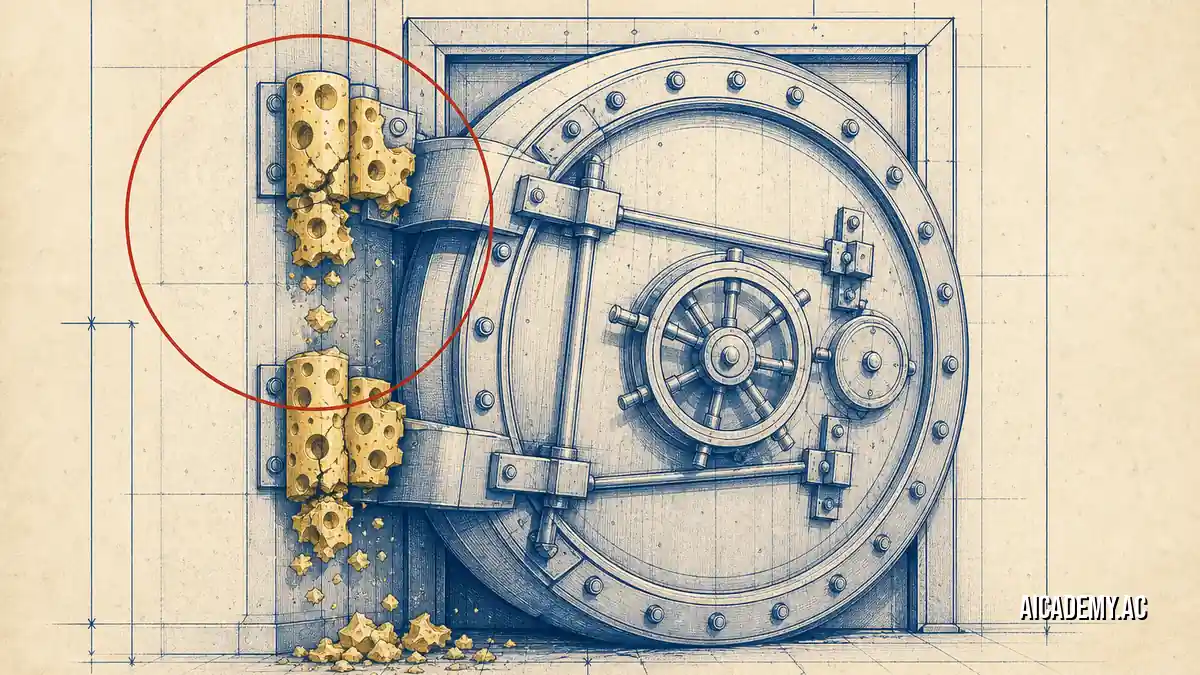
A compromised third-party npm package inside a container can silently extract your host machine’s ~/.ssh/id_rsa keys if your local environment is misconfigured. Most developers assume local containers are fully isolated sandboxes, but specific port forwarding and volume mount defaults punch holes directly into the underlying host filesystem.
TL;DR: Docker Desktop versions prior to 4.93.0 contain a critical vulnerability where VM-side Unix socket port forwards allow attackers to escape the container and access the host. Here is a 5-minute audit one-liner and a scoring rubric you can run today to identify risky bind mounts and lock down socket exposures.
What you’ll walk away with:
- A 3-step audit to detect active host-to-container socket exposures.
- The exact commands to find unauthorized root-level bind mounts.
- A verification checklist for the Docker Desktop 4.93.0 security patch.
Run this audit in 5 minutes.
-
1. Find running containers mounting the local Docker socket.
1

docker ps -q | xargs docker inspect --format ': ' | grep "/var/run/docker.sock"
1

/local-test-db: /var/run/docker.sock
-
2. Identify running containers that mount your host’s root directory.
1

docker ps -q | xargs docker inspect --format ': ' | grep "/"
1

/aicademy-api: /host-root
-
3. Verify Docker Desktop is updated to 4.93.0 by checking the client version.
1

docker version --format ''
1

27.2.0
Scoring rubric: 0 findings = healthy. Any exposed socket or root mount finding requires immediate remediation before running untrusted images.
How Does a Container Escape to the Host Filesystem via Sockets?
A container escapes to the host filesystem when it gains write access to the Docker daemon socket, a Unix socket that serves as the primary API endpoint for Docker Engine. Mounting this socket allows malware inside the container to spin up sibling privileged containers that mount the host’s root filesystem.
Docker Desktop versions before 4.93.0 suffered from a vulnerability involving VM-side Unix socket port forwards. If a developer at Aicademy ran a compromised container, that container could exploit the port forwarding mechanism to proxy commands to the host VM. This circumvents standard namespace isolation entirely.
flowchart LR
    A["Compromised Container"] -->|"Writes to"| B["/var/run/docker.sock"]
    B -->|"API Request"| C["Docker Daemon"]
    C -->|"Spawns"| D["Privileged Container"]
    D -->|"Mounts /"| E["Host Filesystem"]
You can learn more about how relying solely on base images fails to prevent these execution chains in The Docker ‘Hardened Images’ Myth: Why Your Default Images Aren’t Production-Ready.
Never mount
/var/run/docker.sockin a container that executes unvetted third-party dependencies.
Which Bind Mounts Expose My Host Machine to Malware?
Bind mounts that link sensitive host directories—like /, /var, /etc, or ~/.ssh—directly into a container expose your host machine to malware. If a container runs as root, any process inside it can modify these host files, overwrite critical system binaries, or exfiltrate private SSH keys.
Compare these common mount configurations:
| Host Path | Container Path | Risk Level | Best For |
|---|---|---|---|
/ |
/host |
Critical | Never use locally |
~/.ssh |
/root/.ssh |
High | Avoid; use SSH Agent forwarding |
./app |
/usr/src/app |
Low | Standard local development |
When developers build local applications, they often mount massive volumes to speed up builds. You can see safe volume management strategies in The One Docker Desktop Command That Runs Any Local AI Model. Always scope your mounts strictly to the specific project directory, never the user’s home directory.
Use
read-only(:ro) flags on all bind mounts unless the container explicitly requires write access to the host directory.
How Do You Patch the VM-side Unix Socket Vulnerability?
You patch the VM-side Unix socket vulnerability by updating Docker Desktop to version 4.93.0 or later, which explicitly drops the insecure port forwarding behavior. You must also audit your docker-compose.yml files to remove direct socket mounts and switch to using Docker’s secure SSH agent forwarding.
Here is the configuration you must remove:
1
2
3
4
5
6
7

  services:
    app:
      image: node:18
      volumes:
-       - /var/run/docker.sock:/var/run/docker.sock
-       - ~/.ssh:/root/.ssh:ro
+       - ./:/app
For complex local architectures, delegating orchestration to isolated virtual environments is much safer. How Gordon Docker Desktop’s AI Agent Streamlines Your Container Development Workflow covers methods for isolating backend services securely without compromising developer speed.
If you have legacy containers that refuse to start without the socket, inspect their logs closely to understand exactly which API calls they are making before blindly granting access.
View verbose socket access error logs
1
2
3

time="2023-10-24T14:32:11Z" level=error msg="Handler for GET /v1.41/containers/json returned error:
Permission denied while accessing /var/run/docker.sock.
Ensure the user has correct privileges or the socket is mounted securely."
Update your local Docker Desktop installation to 4.93.0 and restart the background daemon immediately to apply the patch.
Bottom Line
Leaving root bind mounts and daemon sockets exposed on your local machine turns every container into a potential host compromise. Default to read-only mounts, isolate your SSH keys using agent forwarding, and enforce the upgrade to Docker Desktop 4.93.0 across your engineering teams. If you want to practice securing vulnerable container configurations in a safe environment, check out Aicademy Labs.
FAQ
How do you check which version of Docker Desktop you are running?
Open the Docker Desktop application and navigate to Settings > Software Updates, or run docker info and check the Server Version block. You must be running 4.93.0 or higher to mitigate the VM socket vulnerability.
What is a Docker container escape?
A container escape occurs when a malicious process inside a container breaches namespace isolation to execute commands, read files, or escalate privileges on the host machine. Exposing the Docker daemon socket provides the most direct path for this attack.
Why do developers mount the Docker socket in the first place?
Developers mount the socket for CI/CD runners, container management tools like Portainer, or Docker-in-Docker (DinD) setups that need to spawn sibling containers. You should never grant this access to untrusted images or application containers.
Does using Docker Desktop on Mac or Windows prevent container escapes?
No. While Docker Desktop runs containers inside a lightweight Linux VM on macOS and Windows, an escape still compromises that VM. Misconfigured VM-side socket port forwards can bridge that access back to your physical laptop’s filesystem.
Further Reading
- https://docs.docker.com/desktop/release-notes/
- https://docs.docker.com/engine/security/
- https://cve.mitre.org/
🚀 Ready to get hands-on? Spin up an interactive AI or Kubernetes Sandbox at Aicademy Labs for free.