Why Your Kubernetes AI Workloads Lose 48 Hours of Progress on Node Failure
Can I automatically pause and resume long-running ML training pods in Kubernetes without writing custom application-layer checkpoint logic?
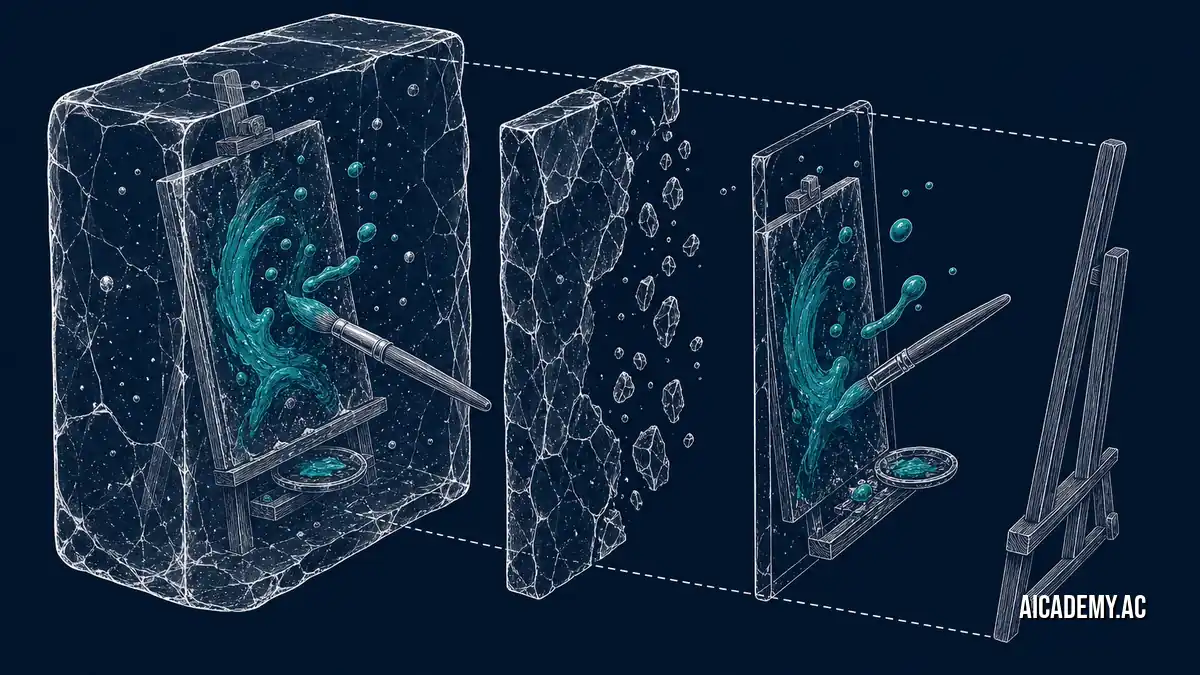
Spot instance terminations wipe out uncheckpointed machine learning training runs instantly. Most teams accept this as the cost of cheap compute, forcing data scientists to write complex application-layer state saves. Kubernetes 1.37 eliminates this requirement entirely.
TL;DR: Kubernetes 1.37 introduces alpha support for native pod-level checkpointing, allowing you to pause and resume long-running ML workloads across node failures. By leveraging the Container Runtime Interface (CRI) and CRIU, you can run expensive LLM fine-tuning on preemptible GPU spot instances without writing a single line of state-saving Python code.
What you’ll walk away with:
- The exact kubelet feature gates required to enable pod checkpointing in 1.37.
- A side-by-side comparison of app-level vs. infrastructure-level checkpointing.
- A deployment strategy for running LLM fine-tuning on volatile GPU nodes.
- A checklist for validating your container runtime’s CRIU support.
Can Kubernetes Natively Handle Spot-Instance Interruptions for ML Workloads?
Yes, Kubernetes can natively pause and resume machine learning pods across spot instance interruptions using infrastructure-level checkpointing. Instead of relying on the application to save its weights to object storage, the kubelet captures the entire memory state and process tree, migrating it to a new node when the original GPU is reclaimed.
Myth: You must write custom Python checkpoint logic to survive spot interruptions.
Many engineers believe that the only way to train models on volatile nodes is to litter PyTorch code with torch.save() callbacks. This assumption forces infrastructure concerns into application code, cluttering the data science workflow. With Kubernetes 1.37, the kubelet handles the pause and resume at the container runtime level without the application knowing it was interrupted.
This capability relies heavily on CRIU (Checkpoint/Restore In Userspace), a Linux software tool that freezes a running container, saves its memory and state to disk, and restores it on a different machine from exactly that point. It acts exactly like saving a snapshot state in a virtual machine, but scoped to standard Linux containers.
Verify your container runtime (containerd or CRI-O) explicitly supports the CRI Checkpoint/Restore API before attempting any node interruptions.
How Do You Enable Pod Checkpointing in Kubernetes 1.37?
Enable pod checkpointing by starting the kubelet with the ContainerCheckpoint feature gate set to true and configuring your CRI runtime to support CRIU. You then invoke the kubelet API directly to trigger a checkpoint, creating an archive file that Kubernetes can use to restore the pod elsewhere.
First, you must enable the alpha feature gate on your compute nodes. If you are preparing your clusters for this configuration, review How to Ensure Your Kubernetes 1.37 Upgrade Doesn’t Corrupt Your Nodes and Static Pods to apply this safely.
1
2
3
4
5
6

--- /etc/kubernetes/kubelet-config.yaml
+++ /etc/kubernetes/kubelet-config.yaml
@@ -12,3 +12,5 @@
   ContainerLogMaxSize: 10Mi
+featureGates:
+  ContainerCheckpoint: true
Triggering the checkpoint requires hitting the local kubelet API. We configure automation at Aicademy to execute this API call the millisecond a cloud provider issues a spot termination warning.
1
2
3

curl -X POST "https://localhost:10250/checkpoint/default/llm-tuner-pod/train-container" \
  -k --cert /var/run/secrets/kubernetes.io/serviceaccount/tls.crt \
  -H "Authorization: Bearer $(cat /var/run/secrets/kubernetes.io/serviceaccount/token)"
1

{"items":["/var/lib/kubelet/checkpoints/checkpoint-default_llm-tuner-pod-train-container-2023-10-27T10:00:00Z.tar"]}
Automate the kubelet API call using an AWS EventBridge or GCP Pub/Sub listener that triggers right before the standard 2-minute spot preemption window closes.
How Does Checkpoint Storage and Migration Actually Flow?
Checkpoint migration flows by freezing the container process, dumping its state to a shared persistent volume attached to the node, and re-mounting that volume on a new node during pod scheduling. The new kubelet reads the archive and instructs the container runtime to rehydrate the process exactly where it left off.
sequenceDiagram
    participant Cloud as "Cloud Provider"
    participant Node as "Volatile GPU Node"
    participant Storage as "Persistent Volume"
    participant K8s as "K8s Scheduler"

    Cloud -->> Node: "Spot Termination Warning"
    Node ->> Node: "Freeze Container (CRIU)"
    Node ->> Storage: "Write Checkpoint Archive"
    Cloud -x Node: "Reclaim Node"
    K8s ->> Storage: "Read Checkpoint Archive"
    K8s ->> "New Node": "Restore Pod State"
Mount your
/var/lib/kubelet/checkpointsdirectory to a high-throughput network file system (like NFS or EFS) so the archive is immediately available to the scheduler.
What Is the Difference Between App-Level and Native Checkpointing?
App-level checkpointing requires developers to manually save application state to object storage, while native checkpointing freezes the entire container memory and CPU state via the infrastructure. Native checkpointing requires zero code changes but demands highly performant shared storage to handle massive memory dumps quickly.
| Strategy | Setup Complexity | Developer Effort | Storage I/O Needs | Best For |
|---|---|---|---|---|
| App-Level (PyTorch) | Low | High | Medium | Predictable training runs on standard nodes. |
| Native K8s (CRIU) | High | Zero | Very High | Winner for complex ML pipelines on spot GPUs. |
If you are pairing this strategy with advanced GPU allocation, reference One kubectl Command That Unlocks GPU-Aware Scheduling with Kubernetes 1.37 DRA.
Default to native CRIU checkpointing for large distributed training jobs where app-level state coordination becomes a mathematical bottleneck.
How Can You Guarantee Successful Checkpoint Restores?
You guarantee successful restores by matching the exact hardware architecture and GPU topologies between the preempted node and the target node. Restoring a process tree expects the same CPU flags, memory mapping offsets, and hardware accelerators that were present when the container was frozen.
Use this validation checklist before rolling out spot-instance LLM tuning:
-
Kubelet
ContainerCheckpointfeature gate is enabled. - Container runtime (containerd/CRI-O) is compiled with CRIU support.
- Spot instance groups are strictly homogeneous (identical hardware models).
-
Shared persistent storage is mounted at
/var/lib/kubelet/checkpoints.
Verify your control plane is fundamentally sound enough to handle these operations by running our Is Your Kubernetes 1.37 Cluster Actually Stable? A 5-Minute Post-Upgrade Audit.
Never attempt to restore a checkpoint captured on an Nvidia A100 node onto an H100 node; the memory mapped hardware states will mismatch and panic.
Bottom Line
Kubernetes 1.37 brings true infrastructure-level pause and resume to volatile workloads. Stop forcing AI researchers to write distributed systems code just to survive a cloud provider reclaiming a spot instance. Enable the ContainerCheckpoint gate, route your spot termination notices to the kubelet, and rely on the platform to preserve state.
FAQ
Can I restore a pod checkpoint on a different operating system?
No. CRIU captures exact memory maps and Linux kernel process structures. You must restore the checkpoint on a node running the exact same OS and kernel version as the origin node.
How large are the checkpoint archive files?
The archive size directly correlates to the running memory footprint of the container. If your LLM fine-tuning process is consuming 64GB of RAM, expect the resulting tar archive to be approximately 64GB.
Does Kubernetes automatically trigger the checkpoint on spot termination?
Not natively. Kubernetes 1.37 exposes the API to create the checkpoint, but you must wire up the cloud provider’s termination event (like AWS spot interruption notices) to invoke the local kubelet API.
Are persistent volume claims (PVCs) included in the checkpoint?
No. The checkpoint only captures the container’s memory, CPU state, and ephemeral filesystem. Any attached PVCs must be standard ReadWriteMany volumes mounted to the new node to maintain data continuity.
Watch for the next installment in the k8s-1-37-ai-kyaml-series where we dissect optimizing Kube-proxy for extreme cross-node GPU communication.
Part of the series: k8s-1-37-ai-kyaml-series
- Why Your Kubernetes AI Workloads Lose 48 Hours of Progress on Node Failure (you are here)
- Cut Your GPU Spot Instance Costs by 40% With Pod-Level Checkpointing
- The Kubernetes YAML Parser Bug That Silently Drops Your Network Policies
- 4 Steps to Safely Migrate Your Cluster to Kubernetes 1.37 KYAML
- Why Your Pod Restores Are Failing With 'Memory Mismatch' In Production
Further Reading
- https://kubernetes.io/docs/concepts/workloads/pods/pod-lifecycle/
- https://kubernetes.io/blog/
- https://github.com/kubernetes/enhancements
🚀 Ready to get hands-on? Spin up an interactive AI or Kubernetes Sandbox at Aicademy Labs for free.